


Reset NVRAM on Mac: Fix Startup & Display Issues Fast
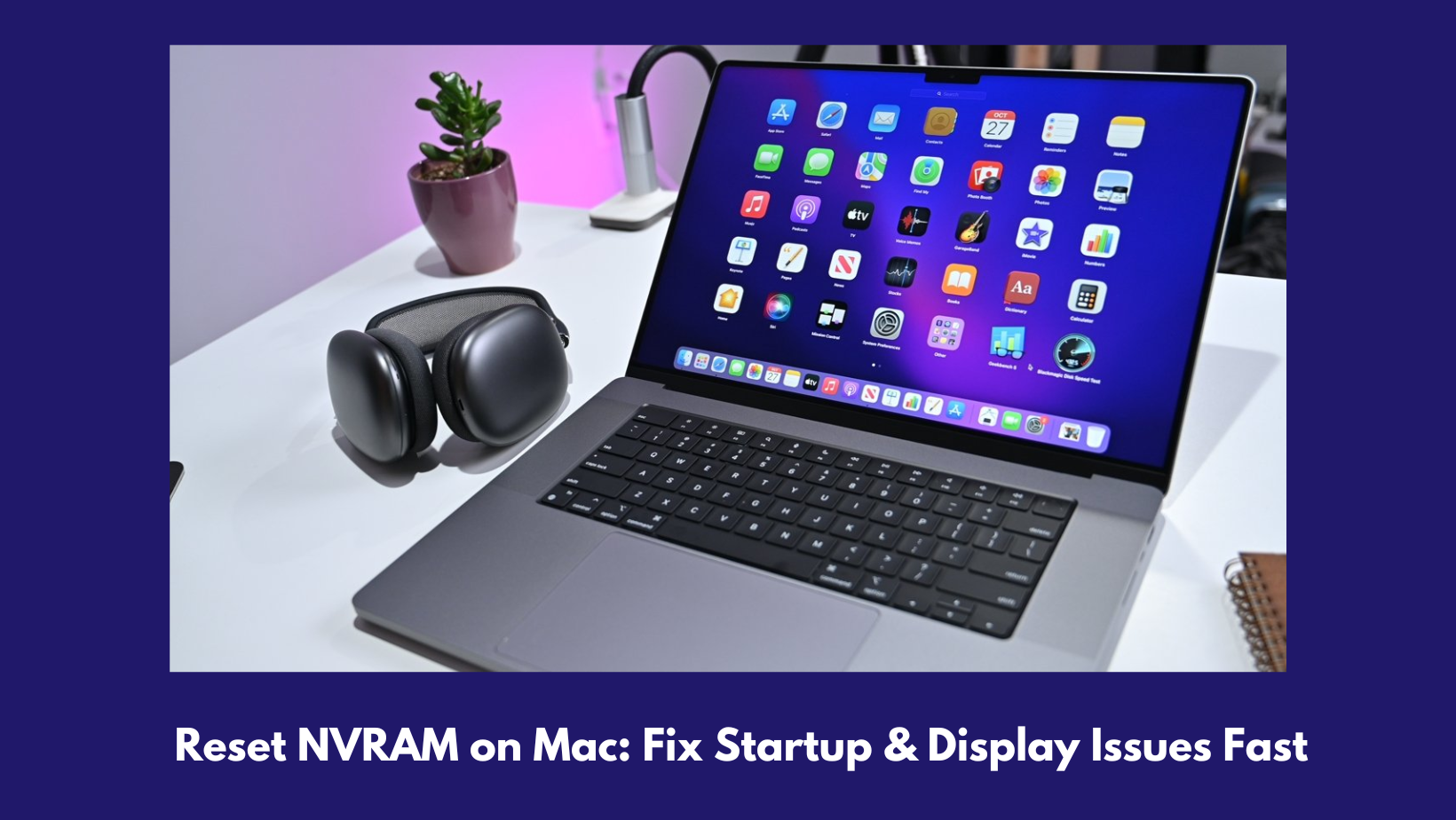
If you see that the basic user settings of your Mac are malfunctioning or that you are not able to use the mouse or keyboard properly, then the issue can happen because of the Parameter Random Access Memory (PRAM) or the System Management Controller (SMC). This guide provides you with the step-by-step instructions that you need to know to reset NVRAM or PRAM on your Mac to ensure that you can use it without any issues.
Overview of PRAM/NVRAM
PRAM, also known as the Parameter Random Access Memory, is a memory on a Mac that is used to store all the key settings and preferences of your system. All the different settings, such as the date, volume, and even the startup disk collection, are stored in the PRAM.
In some of the newer versions of Mac, the PRAM has been changed to NVRAM, which stands for Non-volatile random access memory. This particular memory is also used to store your system settings and preferences, but it does not require a battery to retain data, as the case is with PRAM.
Is it entirely safe to reset PRAM/NVRAM?
Resetting your Mac’s PRAM or NVRAM is safe, and honestly, it’s a pretty common troubleshooting step. Just remember, when you do this, your Mac will put a bunch of system settings back to their factory defaults. Stuff like your time zone, keyboard layout, display resolution, and sound volume might all flip back to the way they were out of the box. If you’ve customized anything, you’ll probably need to set it up again.
What are the steps to reset NVRAM?
Before you start the process of NVRAM reset Mac, it’s smart to back up your important files. You probably won’t lose data just by resetting PRAM or NVRAM, but better safe than sorry. Resetting PRAM and NVRAM works the same way. Here’s what to do:
-
First, you need to shut down your Mac.
-
Turn it on, and right away, hold down Option, Command, P, and R together.
-
Keep holding those keys. If your Mac plays a startup sound, let it chime twice before you let go. If there’s no sound, just wait until you see the Apple logo appear and disappear twice.
-
Once that’s done, release the keys and let your Mac start up normally. That’s it.
Refer to the website Datarecovee to learn more about the functions of a PRAM/NVRAM on Mac.

 English
 Arabic
 French
 Spanish
 Portuguese
 Deutsch
 Turkish
 Dutch
Dutch
 Italiano
 Russian
 Romaian
 Portuguese (Brazil)