


Do Foldable Monitors Require External Power?
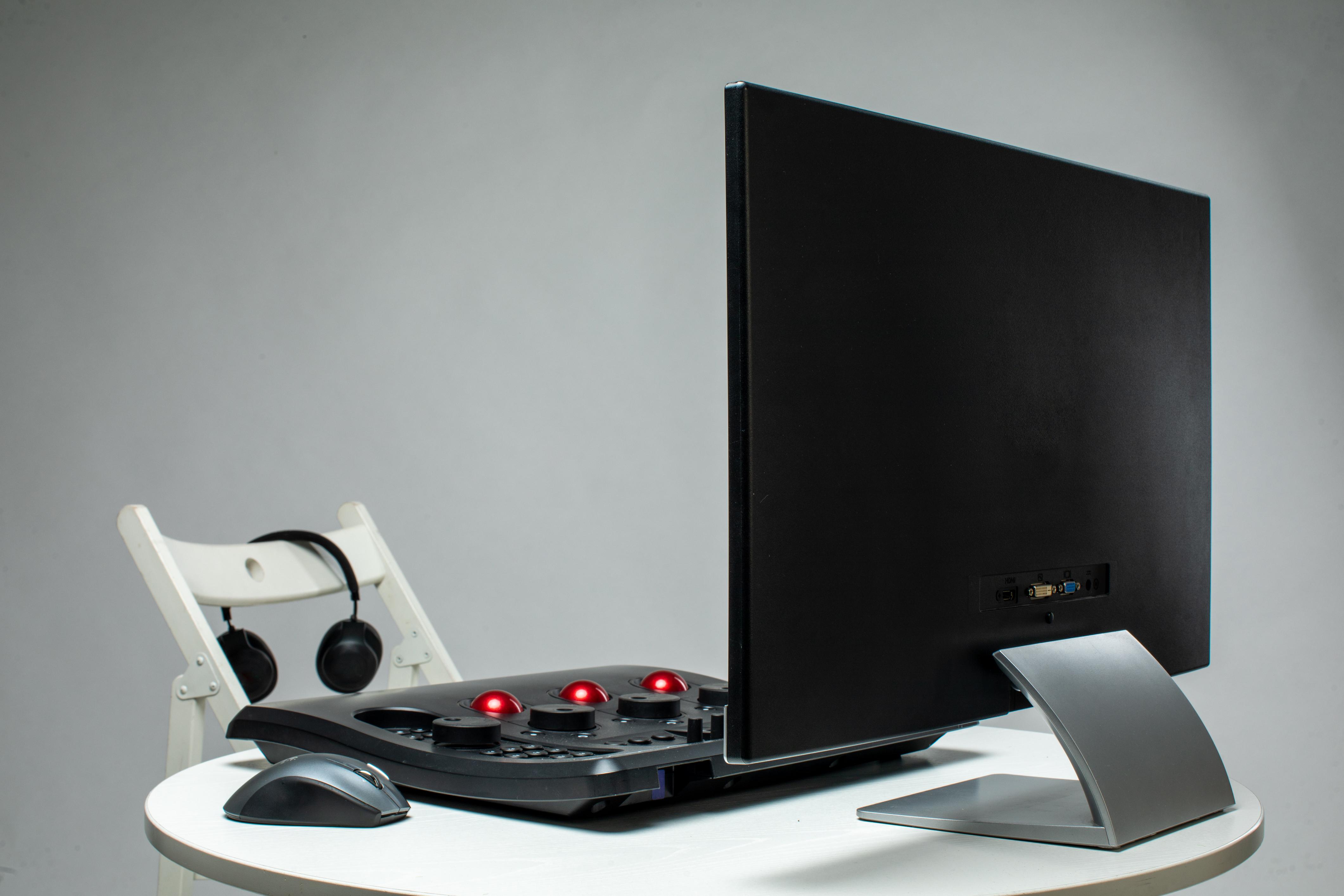
Foldable monitors are quickly becoming one of the most exciting innovations in modern display technology. Imagine carrying a large screen that folds neatly into your bag and unfolds whenever you need more workspace. Whether you are traveling, working remotely, or setting up a mobile gaming station, foldable monitors promise flexibility and convenience.
But many people wonder about a practical issue before buying one: do foldable monitors require external power to work?
The answer depends on the monitor’s design. Some foldable monitors draw power directly from the device they are connected to, such as a laptop or smartphone. Others may require a dedicated power adapter, while certain advanced models include built-in rechargeable batteries.
Understanding how foldable monitors receive power is important for building a reliable setup. If you plan to use one while traveling or away from a power outlet, the monitor’s power requirements can affect your overall experience.
In this guide, we’ll explore how foldable monitors are powered, the different power options available, and how to choose the right setup for your needs.
Understanding How Foldable Monitors Work
To understand power requirements, it helps to first understand how foldable monitors operate.
A foldable monitor is a display that uses flexible screen technology, usually based on OLED panels. Unlike traditional monitors that rely on rigid glass panels, these displays can bend or fold while still maintaining image quality.
When unfolded, the monitor functions like any other external display. It receives a video signal from a connected device and shows the output on its screen.
The main difference lies in the physical design. Foldable monitors use special hinges and flexible materials that allow the display to collapse into a compact form.
However, despite their advanced design, foldable monitors still require power to operate the screen, display electronics, and internal circuitry.
Why Monitors Need Power
Every display requires electricity to function.
The screen needs energy to produce images, adjust brightness, and process incoming video signals. Internal components such as display controllers and signal processors also require power to operate.
Traditional desktop monitors usually rely on AC power adapters connected to wall outlets.
Foldable monitors, however, are designed for portability. Because they are meant to travel with laptops and other devices, manufacturers often include alternative power solutions that do not rely solely on wall outlets.
These power solutions allow foldable monitors to function in mobile environments where traditional power sources may not be available.
Power Through USB-C Connections
One of the most common ways foldable monitors receive power is through USB-C connections.
Modern laptops, tablets, and some smartphones support USB-C with DisplayPort Alternate Mode, which allows video signals and electrical power to travel through a single cable.
When a foldable monitor is connected through USB-C, the host device supplies both the video signal and the power needed to operate the display.
This setup simplifies the connection process and reduces cable clutter. Instead of using multiple cables for power and video, one cable can handle both functions.
However, this method can slightly reduce the battery life of the connected device because it must power the monitor as well.
Foldable Monitors That Require External Power
Not all foldable monitors rely on device power.
Some models require an external power adapter to operate properly. These monitors connect to a wall outlet using a power cable while receiving video signals through HDMI, DisplayPort, or USB-C.
External power is often used for monitors with larger displays or higher brightness levels. These monitors may consume more electricity than a laptop or smartphone can safely provide.
Although this setup involves more cables, it ensures stable power delivery and consistent performance.
For users who primarily work at desks or fixed locations, external power may not be a significant inconvenience.
Foldable Monitors With Built-In Batteries
Some advanced foldable monitors include built-in rechargeable batteries.
These monitors function similarly to tablets. Once charged, they can operate independently for several hours without needing a direct power connection.
Battery-powered foldable monitors are particularly useful for travelers, digital nomads, and professionals who frequently work in locations without easy access to power outlets.
However, built-in batteries may increase the monitor’s weight and cost.
Battery life also varies depending on factors such as screen brightness, resolution, and usage duration.
Despite these considerations, battery-powered monitors offer the most flexible mobile experience.
Factors That Affect Power Consumption
Several factors influence how much power a foldable monitor requires.
One major factor is screen brightness. Higher brightness levels consume more electricity.
Display technology also plays a role. OLED displays are known for their excellent contrast and energy efficiency, but power consumption can increase when displaying bright images.
Resolution is another important factor. Monitors with higher resolutions require more processing power and may use more energy.
Refresh rate also affects power usage. Displays with faster refresh rates may consume slightly more power during active use.
Understanding these factors can help users manage energy consumption more effectively.
Using Foldable Monitors While Traveling
Foldable monitors are designed to support mobile lifestyles.
When traveling, many users prefer setups that minimize dependence on wall outlets. Monitors that support USB-C power delivery or include internal batteries are especially useful for this purpose.
Pairing a foldable monitor with a high-capacity power bank can extend usage time during flights, train journeys, or outdoor work sessions.
Compact charging accessories and multi-port USB hubs can also make mobile setups more convenient.
By choosing the right combination of devices and power sources, users can maintain productivity even when working far from traditional office environments.
Choosing the Right Power Option
The best power option depends on how you plan to use the foldable monitor.
Users who primarily work at desks may prefer monitors with external power adapters because they provide stable performance and higher brightness levels.
Travelers and mobile professionals may benefit more from monitors that support USB-C power delivery or built-in batteries.
Gamers using portable gaming systems may also prefer battery-powered monitors for maximum flexibility.
Before purchasing a foldable monitor, it is helpful to check its power requirements and ensure they match your intended usage.
FAQ
Do foldable monitors always need external power?
Not always. Some foldable monitors receive power through USB-C connections from laptops or other devices.
Can a laptop power a foldable monitor?
Yes. Many foldable monitors can draw power directly from laptops using USB-C cables that support power delivery.
Do foldable monitors have built-in batteries?
Some models include rechargeable batteries, allowing them to operate without being connected to a power outlet.
Will powering a monitor drain my laptop battery faster?
Yes. If the monitor receives power from the laptop, the laptop battery may drain more quickly during use.
Can foldable monitors work with power banks?
Yes. Many foldable monitors can operate with high-capacity power banks that support USB-C power delivery.
Final Thoughts
Foldable monitors are designed to combine advanced display technology with portability, and their power options reflect this goal. While some models require external power adapters, many can operate through USB-C connections or built-in batteries.
This flexibility allows users to choose the power setup that best fits their needs. Whether you are working at a desk, traveling between locations, or building a portable workstation, foldable monitors offer multiple ways to stay powered and productive.
As foldable display technology continues to improve, power efficiency and battery performance will likely become even better, making these innovative monitors even more practical for modern users.

 English
 Arabic
 French
 Portuguese
 Deutsch
 Turkish
 Dutch
Dutch
 Italiano
 Russian
 Romaian
 Portuguese (Brazil)
 Greek
Greek