


Tor Browser Antivirus Conflicts
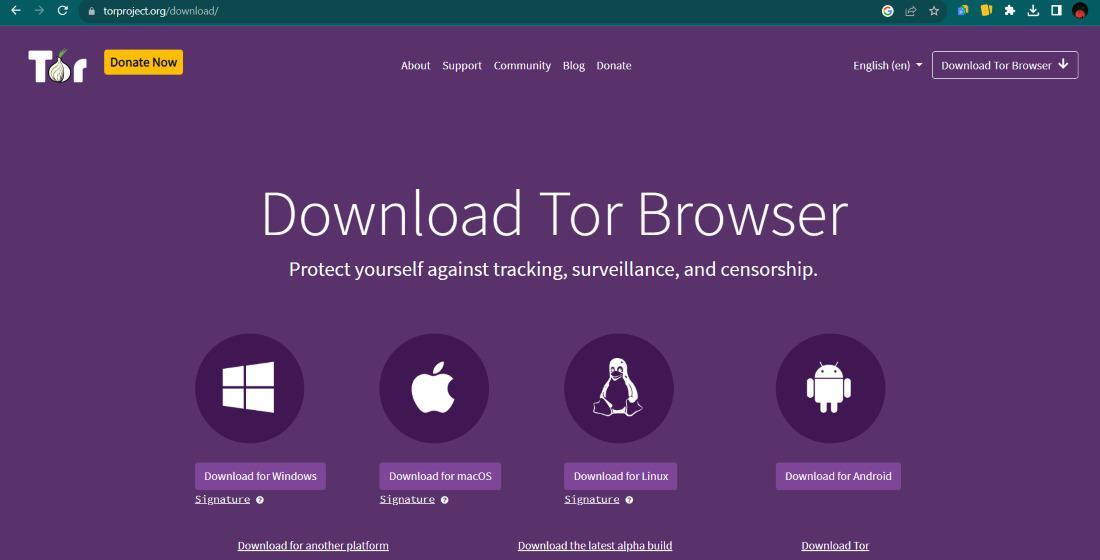
Did you know that your computer's security software might actually be the biggest threat to your online privacy? It sounds like a contradiction but many popular antivirus programs treat the Tor Browser as a suspicious intruder rather than a legitimate tool for anonymity - this happens because the way Tor handles data - encrypting it and moving it through multiple random points - looks a lot like the behavior of malicious software to an untrained security scanner.
Understanding Why Antivirus Software Blocks Tor
Many security suites are aggressive by design - They watch for programs that make unusual network connections or change how data moves across your hardware. Because Tor creates a specialized tunnel for your internet traffic, your antivirus might flag this activity as a "backdoor" or a "Trojan" You are simply trying to stay private but your computer thinks a hacker is trying to phone home.
The conflict usually starts at the installation phase - Some scanners will delete the Tor executable file immediately, while others wait until you try to open a circuit. If you find your setup keeps disappearing or failing to launch, your local defense system is likely the culprit. You can often see if this is the case - checking your antivirus quarantine folder.
The Reality of False Positives in Privacy Tools
A false positive is essentially a "wrong guess" by your security software. It sees code it doesn't recognize and chooses to block it just in case. Developers of privacy tools face this constantly. Since Tor is open source, any security company can verify the code is safe but many still use generic detection rules that catch Tor in their net.
To avoid these headaches, you should always verify you have the official version of your tools. As an example, staying updated on the latest developments in specialized browsers helps you distinguish between a real security threat and a simple software clash. Using reputable sources ensures that when your antivirus screams, you know it is just being overprotective.
Performance Slumps & Connection Failures
Even if your antivirus doesn't delete Tor, it might slow it down to a crawl. Real time scanning features often inspect every packet of data that enters or leaves your machine. Since Tor is already slower than a standard browser because of its three layers of encryption, this extra inspection can make the web feel unusable.
Common signs of interference include
- The progress bar getting stuck at 10 % or 50 % during startup.
- Frequent "Timed Out" errors when loading pages.
- The browser closing suddenly without any error message.
If you experience these issues, you might need a deeper explanation of anonymous browsing connectivity fixes to get things moving again. The solution involves telling your antivirus to ignore the specific folder where Tor is installed.
Balancing Local Protection with Network Anonymity
You shouldn't have to choose between a virus free computer and a private browsing session. The goal is to make the two systems live together in harmony. Security software is great for stopping malware but it shouldn't be allowed to break your encryption tools.
When you use search engines like verified onion crawlers or the DuckDuckGo privacy engine, your antivirus might still try to "man-in-the-middle" your connection to see what you are looking at - this actually lowers your security. To prevent this, you can disable "HTTPS Scanning" or "Web Shield" features specifically for the Tor process.
Steps to Restore Your Connection
If your browser is currently broken, don't worry - Many of the time, a few clicks in your security settings will fix the problem. You are essentially giving Tor a "hall pass" to operate without interference.
Try these quick steps
- Open your antivirus settings and find the "Exclusions" or "Exceptions" list.
- Add the entire Tor Browser folder to this list.
- Restart your computer to make sure the changes take effect.
- Check if you need updated bridge configurations to bypass deeper network blocks.
Once you have these exceptions in place, you can browse more freely. You can then safely visit community hubs like the Dread forum official link or check out trusted directory sites without the browser crashing every five minutes. Keeping your tools organized and your whitelist updated is the best way to maintain a smooth experience.
FAQ
Is it safe to disable my antivirus for Tor?
You don't need to turn off your entire antivirus - It is much safer to just add an exclusion for the Tor Browser folder - this keeps the rest of your computer protected while letting the browser work correctly.
Why does my scanner say Tor is a 'PUP'?
PUP stands for "Potentially Unwanted Program" Some security companies label privacy tools this way because they are often used by people who want to hide their activity. It doesn't mean the program is a virus - it just means the antivirus company is being judgmental about the software.
Can antivirus software see what I do inside Tor?
If your antivirus has a feature called "SSL Inspection" or "Web Filtering" it might try to look at your traffic before it gets encrypted - this is why adding Tor to your exceptions list is important for maintaining your actual privacy.
Which antivirus is best for Tor users?
There isn't one specific brand but look for software that allows for easy folder exclusions and doesn't force its own browser extensions onto you. Lightweight scanners usually cause fewer problems than massive "all-in-one" security suites.

 English
 Arabic
 French
 Spanish
 Portuguese
 Deutsch
 Dutch
Dutch
 Italiano
 Russian
 Romaian
 Portuguese (Brazil)
 Greek
Greek