


How to Add a Printer to Mac: Complete Setup Guide
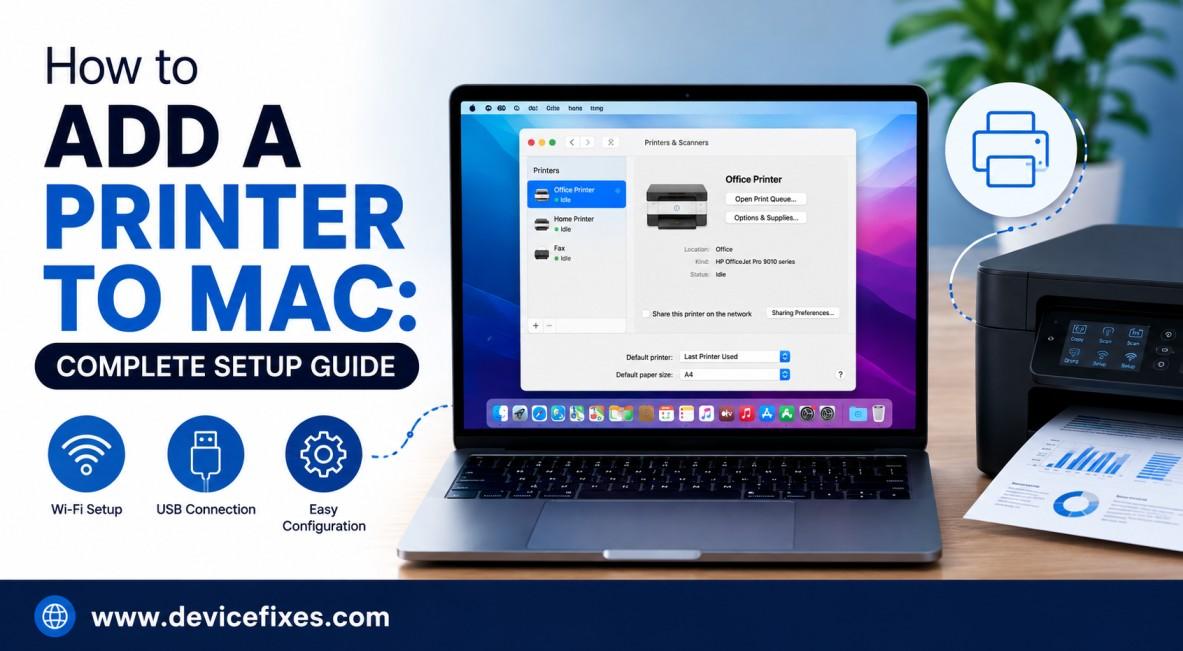
Adding a printer to a Mac or MacBook is normally straightforward. Mac OS often identifies and installs drivers for wireless, USB, HP, Canon, Epson, and Brother printers, among others. If you are wondering how to add a printer to a Mac, follow these steps.
What You Need Before Adding a Printer
To add a printer on a Mac, first make sure your printer is on and powered up. For a wireless printer, ensure that your printer and Mac are both connected to the same Wi-Fi network. For a USB printer, use a USB cable to connect your printer to your Mac.
It is also a good idea to check the paper and ink levels of the printer to avoid any last-minute hassles.
How to Add a Printer to Mac
Adding a printer to a Mac can be done through System Settings.
1. Go to System Settings
To open System Settings, click the Apple icon in the top-left corner of your screen and click System Settings.
2. Go to Printers & Scanners
Scroll through the settings menu and click Printers & Scanners. All the printers that are connected to your Mac will be listed here.
3. Add Your Printer
Click Add Printer, Scanner, or Fax (the Add Printer + button). Your Mac will begin searching for connected printers.
When your printer is listed, check that macOS has selected the correct printer driver and click Add.
4. Test the Printer
Once the printer has been added, select it from the Printers & Scanners list. To see if the printer is working correctly, open any file or photo and select File > Print.
How to Install a Printer on MacBook Using USB
To add a printer to a MacBook using USB, connect the printer to the MacBook and turn on the printer. Open System Settings > Printers & Scanners, then click Add Printer.
Your MacBook will detect the printer. Select it and click Add. If the MacBook does not have a USB port, an adapter or a USB hub with the printer will be required.
How to Configure a Printer on Mac
Once the printer is added, it can be configured in Mac settings. Open System Settings > Printers & Scanners, select your printer, and change the settings if required for paper size, printing preferences, default printer, etc.
For wireless printers, ensure the printer is connected to the same Wi-Fi network as the Mac.
Mac Can't Find Your Printer?
If the Mac doesn't detect the printer, try resetting both devices and check the Wi-Fi connection. For a USB printer, check the connection and try another compatible USB port or adapter.
You should also check if your printer manufacturer has any updates for the version of macOS that you are running.
Final Thoughts
Creating a printing interface on Mac is a simple first step toward setting up a printing station. Almost all contemporary printers can be easily installed from the Printers & Scanners application.
Should you find yourself unable to connect, detect, or print with your printer, proceed to DeviceFixes to browse troubleshooting guides and hire a service technician to perform printer repairs for you.
Want to keep your devices running smoothly? Visit DeviceFixes for helpful troubleshooting guides, device repair tips, and expert advice to help you fix and maintain your printers, computers, smartphones, tablets, and gaming consoles.

 English
 Arabic
 French
 Spanish
 Portuguese
 Deutsch
 Dutch
Dutch
 Italiano
 Russian
 Romaian
 Portuguese (Brazil)
 Greek
Greek