


ERP Integration Services: How to Connect CRM, Ecommerce, and Accounting Systems
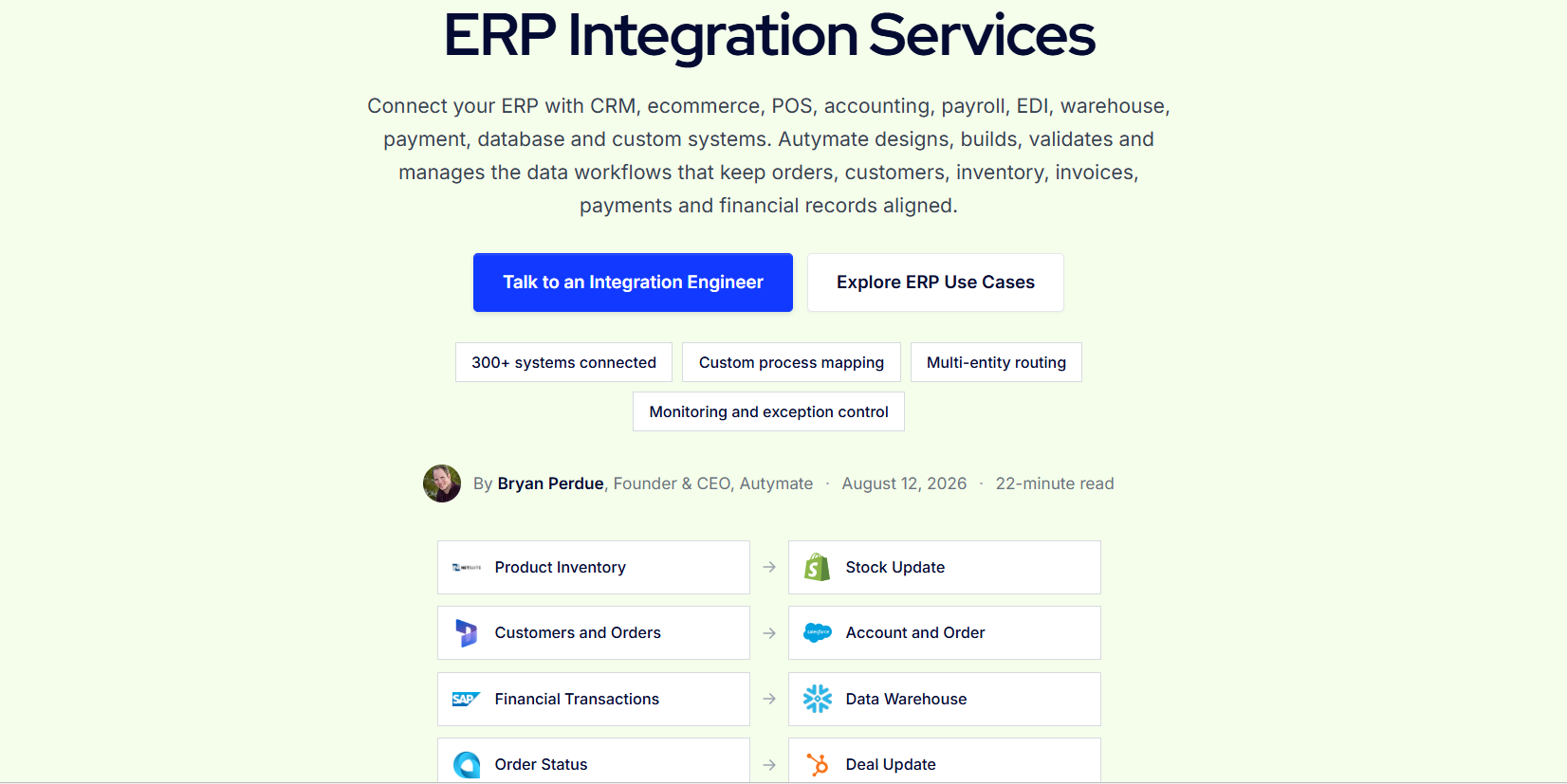
Growing businesses rarely operate from a single software platform. Sales teams work in CRM systems, ecommerce teams manage online stores, finance uses accounting software, and operations may depend on an ERP to manage orders, inventory, purchasing, fulfillment, and financial processes.
Each application may perform its individual job well. The problem begins when information needs to move between them.
A salesperson closes an opportunity in the CRM, but operations must create the customer again in the ERP. An e-commerce order arrives, but inventory and fulfillment depend on another system. A payment reaches the bank, while finance still has to determine which invoice, order, fees, or refunds it belongs to.
ERP integration services connect these workflows so information can move between CRM, e-commerce, accounting, and ERP systems according to defined business rules.
The objective is not simply to copy fields from one application to another. A reliable integration needs to preserve customers, products, orders, inventory, invoices, payments, company ownership, and transaction status as data moves through different systems. Autymate's ERP integration model includes extraction, transformation, mapping, validation, orchestration, delivery, monitoring, and recovery.
Why Connect CRM, Ecommerce, Accounting, and ERP?
These platforms usually represent different parts of the same business process.
The CRM understands the sales relationship. Ecommerce captures digital orders and customer activity. The ERP coordinates operational records such as orders, inventory, purchasing, and fulfillment. Accounting records the financial result.
Without integration, employees effectively become the connection between these systems.
They export spreadsheets, re-enter customer information, update order statuses, copy invoice details, compare payment reports, and investigate why numbers are different across applications.
As the business grows, this model becomes difficult to scale.
An integrated architecture allows each platform to remain responsible for what it does best while approved information moves to the systems that need it.
Connect CRM With Your ERP
A CRM ERP integration can connect the sales process with operations.
Suppose a salesperson creates a new account, develops an opportunity, and eventually closes a deal in the CRM.
Without integration, operations may need to recreate the customer, products, pricing, and order manually in the ERP.
With an integration, an approved CRM event can trigger the next stage of the process.
Depending on the workflow, supported records may include customers, accounts, products, quotes, orders, invoices, payments, credit information, fulfillment details, and lifecycle status.
The important part is deciding which system owns each piece of information.
For example, the CRM may own sales contacts and opportunities while the ERP owns inventory availability and final order status. An integration should not allow both systems to overwrite the same information without clear ownership rules.
Instead, the workflow can create a controlled sequence.
A CRM opportunity becomes an approved order. The ERP processes that order. Fulfillment status can then return to the CRM if the sales or customer-service team needs visibility.
This creates a connected sales-to-operations process without forcing employees to maintain the same information twice.
Connect Ecommerce With Your ERP
E-commerce introduces another layer of operational complexity.
An online order may contain a customer, products, quantities, discounts, shipping, tax, payments, and other information. That activity can affect inventory, fulfillment, accounting, customer service, and financial reporting.
A strong e-commerce ERP integration can move approved customers, orders, discounts, tax, payments, refunds, fulfillment activity, and inventory events between the storefront and ERP.
Consider inventory.
If the e-commerce store shows that an item is available while the ERP shows it is out of stock, the business can accept orders it cannot fulfill.
Integration can help keep relevant inventory information aligned, provided the organization first defines which system owns inventory and how frequently availability should update.
Order status works similarly.
Once the ERP accepts and processes an order, selected fulfillment information may need to return to the ecommerce platform. Returns and refunds may also need to move through the workflow while preserving their relationship with the original order.
Autymate's broader ERP design supports ecommerce workflows involving items, inventory, customers, orders, fulfillment, returns, payments, tax, and marketplace fees.
The result is a connected order lifecycle rather than a series of disconnected imports.
Connect ERP Data With Accounting Systems
The operational workflow eventually produces financial activity.
Orders become invoices. Purchases create bills. Payments affect receivables. Refunds reverse previous activity. Fees become expenses. Inventory movement can affect financial reporting.
Accounting integration makes sure the financial result of those operational events reaches the appropriate accounting environment.
For example, businesses using QuickBooks may need approved customers, invoices, payments, deposits, refunds, expenses, bills, or journal entries created from activity that originated elsewhere.
Autymate's QuickBooks integration design treats this as more than transferring an amount. The workflow determines what the amount represents, which accounting record should be created, where it belongs, how duplicate transactions are prevented, and what happens when a record is rejected.
The same principle applies to other accounting platforms.
Accounting-ready data needs correct accounts, entities, tax treatment, dimensions, references, and reconciliation controls.
Simply sending an ecommerce order total or ERP invoice amount into accounting may not provide enough information to explain the final financial result.
Still moving data between these systems manually?
If your team regularly exports CRM data, ecommerce orders, ERP reports, and accounting files just to keep the same transaction aligned, the workflow may need a stronger integration layer.
Talk to an Integration Expert about connecting the systems around your ERP.
Define the System of Record Before Building the Integration
One of the most important decisions in an ERP integration project is deciding which application owns each type of information.
Without ownership rules, two systems can continuously update each other and create conflicts.
Customer contact information might belong to the CRM. Product availability may belong to the ERP. Ecommerce may own the original web order. Accounting may own the final financial record.
These responsibilities vary by business.
The integration should document ownership before automation begins.
Autymate's ERP approach specifically focuses on preserving business ownership and relationships rather than simply synchronizing individual fields.
This prevents situations where an outdated customer address in one application overwrites a newer value elsewhere or a temporary ecommerce status changes a final ERP state.
Map the Same Business Concept Across Different Systems
Different platforms rarely structure information the same way.
A CRM may call something an account. The ERP may call it a customer. Ecommerce may identify the same customer using an email address. Accounting may use a separate customer or entity identifier.
Products present similar challenges.
SKUs, item IDs, categories, locations, prices, and tax treatment can all vary between systems.
ERP integration therefore requires data mapping.
The workflow needs to determine how customers, vendors, items, orders, invoices, payments, accounts, locations, and other dimensions correspond across applications.
This is why integration work should start from the required business outcome rather than the fields available in an API.
Validate Data Before It Moves
Connected systems can automate mistakes just as easily as correct transactions.
Validation reduces that risk.
Before an ecommerce order reaches the ERP, the workflow might verify that the customer, product, currency, location, and required fields are valid.
Before an ERP transaction reaches accounting, it may need the correct account, company, tax treatment, or reporting dimension.
A record that cannot be mapped safely should not simply be pushed into the destination.
It should become a visible exception that can be corrected and reprocessed.
That makes the integration a control layer rather than just a transport mechanism.
Decide Whether Data Should Move in Real Time
Not every integration needs instant synchronization.
An ecommerce inventory check or order-acceptance decision may require a fast response. A daily financial summary may work better as scheduled processing.
The right frequency depends on the business decision the data supports.
Autymate's ERP guidance recognizes that some operational processes benefit from fast event-based movement while financial summaries, files, and reporting workflows may be better suited to scheduled or batch processing.
Designing everything as real-time integration can add complexity without adding business value.
Build Monitoring Into the Workflow
Connecting CRM, ecommerce, accounting, and ERP systems creates dependencies.
If one part fails silently, the rest of the workflow can appear healthy while important records are missing.
Monitoring should therefore detect rejected records, missing expected activity, processing delays, duplicate attempts, credential issues, mapping changes, unusual transaction volumes, and reconciliation differences.
A successful technical request does not necessarily prove that the complete business process is correct.
The integration needs visibility into the final outcome.
Create One Connected Business Process
The biggest value of ERP integration services is not simply that data moves faster.
It is that separate applications can participate in one controlled business process.
The CRM can initiate approved sales activity. Ecommerce can send customers and orders. The ERP can coordinate inventory, operations, and fulfillment. Accounting systems can receive the financial result.
When those relationships are designed correctly, teams spend less time moving information between applications and more time working from consistent business records.
Autymate designs and manages ERP integration workflows connecting CRM, ecommerce, accounting, POS, payments, databases, and other operational systems, with mapping, validation, routing, monitoring, and exception controls built around the required business outcome.

 English
 French
 Spanish
 Portuguese
 Deutsch
 Turkish
 Dutch
Dutch
 Italiano
 Russian
 Romaian
 Portuguese (Brazil)
 Greek
Greek