


What Makes a Roblox Script Compatible With an Executor?
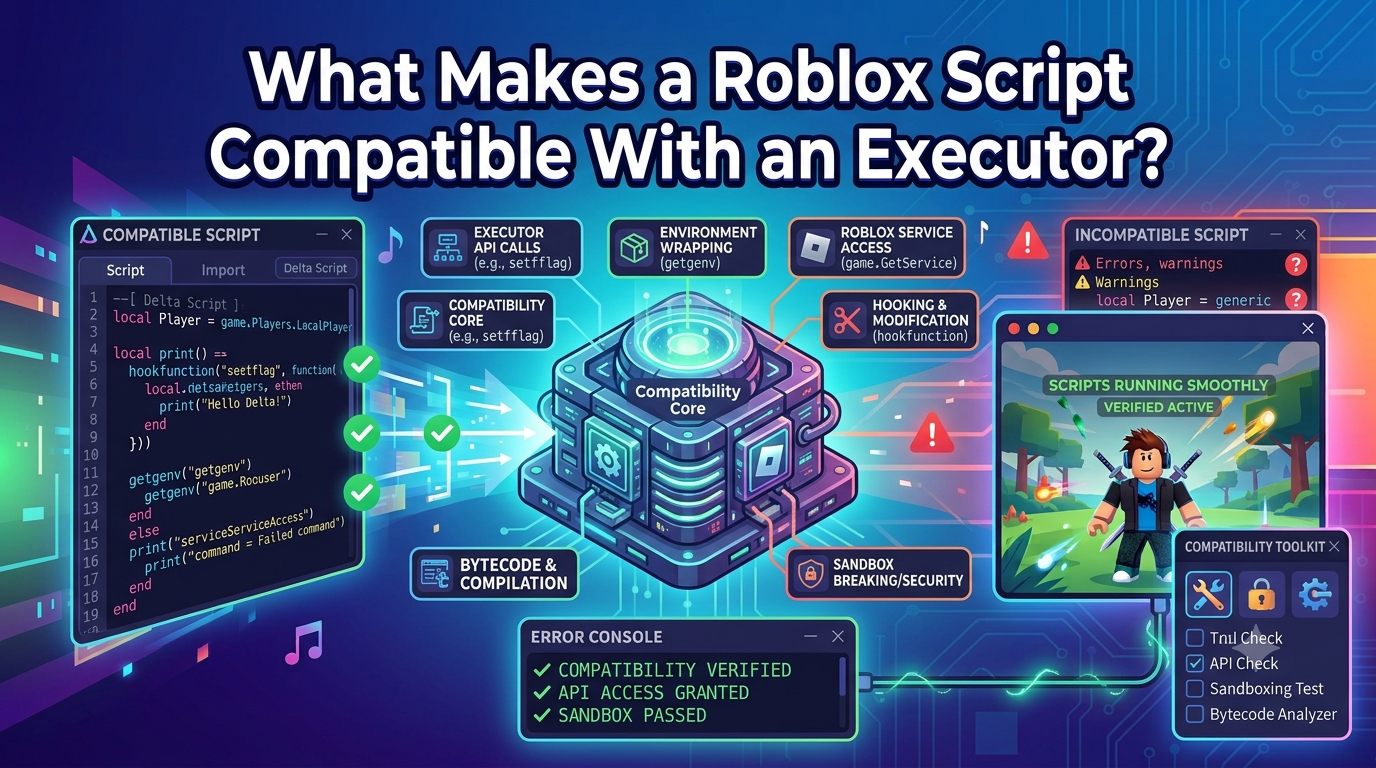
Not every Roblox script will work with every third-party executor. Compatibility depends on the programming language, functions used by the script, software version, Roblox changes, and the device environment. Understanding these factors can help beginners avoid common errors and make better decisions when working with scripts.
Before you download Delta Roblox related software or scripts, it is useful to understand what compatibility actually means. A script may look correct but still fail because it depends on features that the current environment does not support. Third-party executors are also separate from Roblox Studio, so their behavior can change after updates.
What Is Script Compatibility?
Script compatibility means that the code can be understood and processed by the environment where it is being used.
Roblox development uses Luau, a programming language based on Lua. Scripts can contain variables, functions, loops, conditions, events, and other programming features.
However, a script may also depend on specific functions or behaviors. If those features are unavailable in the environment, the script may produce an error even when the basic code looks correct.
1. Programming Language and Syntax
The first factor is the language used by the script.
A script written for a completely different programming environment may not work in a Roblox-related environment. Even when a script uses Lua or Luau-style syntax, it can still contain functions that are not supported.
Syntax also matters. Missing brackets, quotation marks, commas, or incorrect keywords can stop a script from being processed.
2. Functions the Script Uses
Scripts often depend on particular functions to perform tasks. Compatibility depends on whether the environment provides the functions the code expects.
If a function is missing or behaves differently, the script may fail.
This is why copying a script from an older tutorial does not guarantee that it will work today. The surrounding environment may have changed since the tutorial was created.
3. Roblox Updates
Roblox regularly changes its platform. These changes can affect how scripts and third-party tools behave.
If a script suddenly stops working after a Roblox update, the update may have changed something that the script depends on.
In this situation, repeatedly changing your device settings may not help. First determine whether the script or software has been updated to match the current environment.
4. Executor Version
The executor itself can also affect compatibility.
Different versions may support different features or have different requirements. A script that works with one version may behave differently with another.
Before testing a script, check whether the software version and the script are intended to work together. Avoid modified versions from unknown sources simply because they claim to support more scripts.
5. Device and Operating System
The operating system is another important factor. Windows, Android, and iOS have different security rules and application environments.
A script or tool that behaves one way on a computer may not work the same way on a mobile device.
Users searching for a Delta IPA file should understand that IPA files are associated with iOS applications. iOS also has specific application-distribution and security rules, so a file that appears compatible does not automatically mean that it is safe or supported.
6. Script Dependencies
Some scripts depend on other code, libraries, assets, or specific game features.
If a required dependency is missing, the script may fail even though its main code is correct.
Before troubleshooting, identify what the script actually needs. This can help distinguish a missing dependency from a problem with the executor.
How to Check Compatibility
When a script fails, use a simple process:
-
Read the exact error message.
-
Check the script's programming language.
-
Look for required functions or dependencies.
-
Check whether Roblox recently updated.
-
Confirm the software and device versions.
-
Test a small, understandable script.
-
Change one factor at a time.
This approach makes it easier to identify the real cause.
Common Compatibility Problems
A script may fail because it is outdated, contains syntax errors, requires unavailable functions, or was designed for a different environment.
Another common problem is assuming that popularity equals compatibility. A widely shared script can still become outdated.
Do not treat an error as proof that the entire tool is broken. Test the script and environment separately when possible.
Safety and Privacy
Third-party scripts and executors require caution. Do not run code from sources you cannot verify. Scan unfamiliar files and keep your device's security protections active.
Never provide your Roblox password, recovery codes, or other sensitive information to a script or third-party website. Avoid files that ask you to disable important security settings.
Conclusion
A Roblox script is compatible with an executor when its code, required functions, dependencies, software version, and operating environment can work together. Roblox updates can change this relationship, which is why older scripts may stop working. Beginners should read error messages, check dependencies, consider device differences, and test changes carefully. Understanding compatibility is more useful than simply assuming that every popular script will work with every executor.

 English
 Arabic
 French
 Spanish
 Deutsch
 Turkish
 Dutch
Dutch
 Italiano
 Russian
 Romaian
 Portuguese (Brazil)
 Greek
Greek