


Cisco ACI Fabric Discovery and Initialization: Step-by-Step Guide
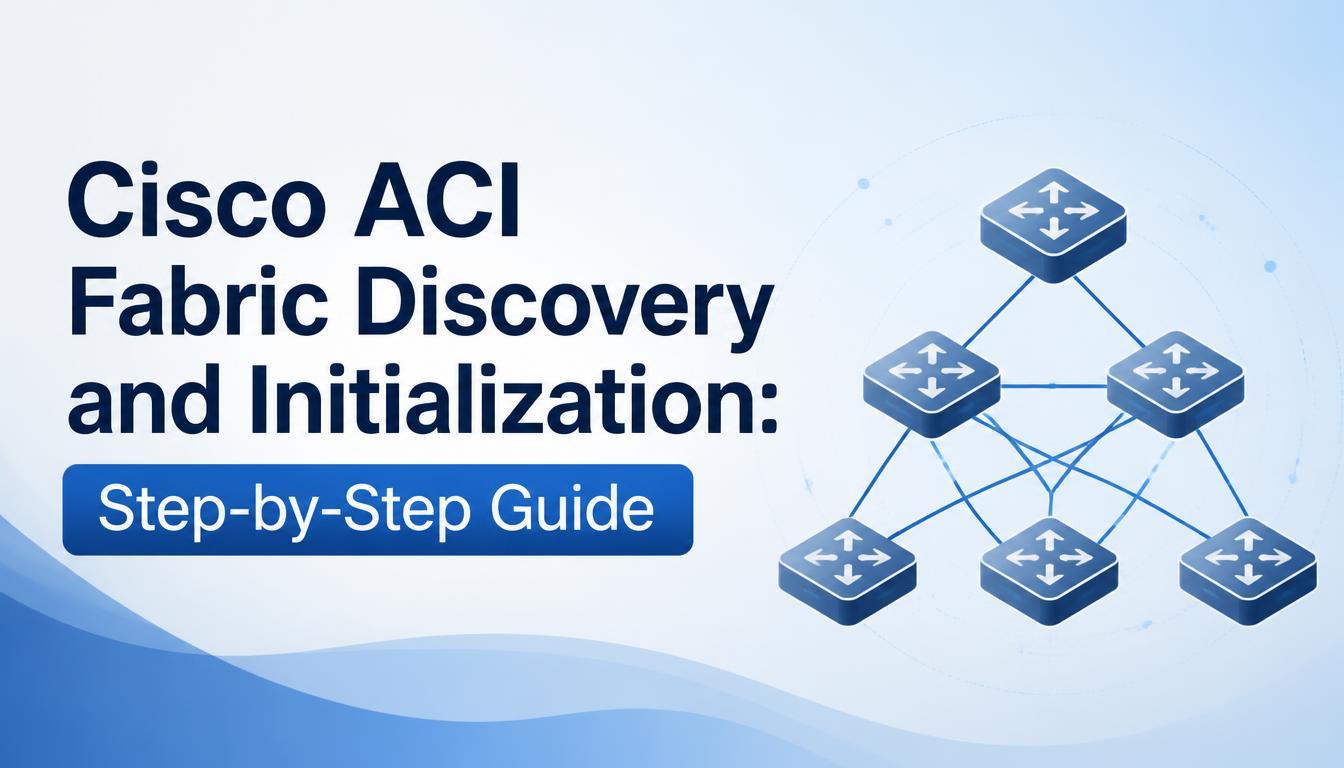
Cisco ACI helps networking professionals understand data center networking, fabric discovery, and automated infrastructure management. Cisco Application Centric Infrastructure (ACI) is a software-defined networking solution that simplifies network operations through centralized policy management.
Understanding Cisco ACI training, fabric discovery, and initialization is essential for network administrators and IT professionals who want to deploy and manage ACI environments. This guide explains the initialization process, switch discovery, configuration, and troubleshooting in simple steps.
What Is Cisco ACI Fabric Discovery?
Cisco ACI is a data center networking solution that uses application-based policies to manage network connectivity. It consists of three primary components:
-
Application Policy Infrastructure Controller (APIC): Provides centralized fabric management.
-
Leaf switches: Connect servers, storage systems, and external networks.
-
Spine switches: Provide connectivity between leaf switches.
Fabric discovery enables APIC to identify connected switches and incorporate them into the managed network infrastructure.
Prerequisites for Cisco ACI Fabric Initialization
Before starting, ensure that the required hardware, connectivity, and configuration details are available.
Verify Hardware Compatibility
Confirm that APIC appliances, leaf switches, and spine switches are supported by the intended ACI software release. Check cabling, power supplies, and console access.
Plan the Fabric Topology
Design the spine-leaf topology and identify switch connections, node IDs, and management interfaces. Proper planning helps prevent connectivity and configuration errors.
Prepare Network Settings
Document the fabric name, management IP addresses, gateway, DNS, and NTP settings. Ensure that IP addresses do not conflict with existing devices.
Step-by-Step Guide to Cisco ACI Fabric Discovery and Initialization
Step 1: Connect and Power On Devices
Install APIC appliances and switches according to the planned topology. Connect management interfaces to the appropriate network and establish the required leaf-to-spine connections.
Verify power, cabling, and link status before continuing.
Step 2: Configure the APIC
Access the APIC initial setup interface through the supported console or setup method. Enter the required management settings, administrative credentials, and fabric information.
After completing the setup, verify that APIC is reachable through its management interface.
Step 3: Establish APIC Cluster Health
For deployments using multiple controllers, follow the supported procedure to configure the APIC cluster. Confirm controller connectivity, cluster membership, and synchronization.
Resolve any reported cluster faults before proceeding.
Step 4: Establish Fabric Connectivity
Check the physical connections between leaf and spine switches. Confirm that the correct ports and supported cables are being used.
Review the APIC interface for connectivity information and reported faults. Investigate any links that remain down.
Step 5: Discover Leaf and Spine Switches
Open the fabric management interface in APIC and review the switches identified during discovery.
Verify each switch's identity and intended role. Assign node IDs and names according to the deployment plan using the supported discovery workflow.
For example, names such as SPINE-01, LEAF-01, and LEAF-02 can make devices easier to identify.
Step 6: Verify Switch Registration
Confirm that all expected switches appear in the APIC inventory. Check node status, fabric connectivity, and reported faults.
Ensure that the discovered topology matches the physical design and investigate missing switches before configuring production workloads.
Step 7: Configure Basic Fabric Policies
Once discovery is complete, configure the policies required by the network design. These may include VLAN pools, domains, interface policies, access policies, and external connectivity settings.
Ensure that policies are correctly associated with the relevant interfaces and domains. Follow the configuration procedures for the installed ACI software version.
Step 8: Test Connectivity and Document Settings
Review fabric health, interface status, and APIC faults. Test management reachability and, where applicable, verify endpoint connectivity.
Document switch names, node IDs, management addresses, software versions, and important policy settings for future troubleshooting.
Common Cisco ACI Discovery Issues
Switches Are Not Detected
Check physical cabling, fabric ports, hardware compatibility, and APIC fault messages.
APIC Is Not Reachable
Verify the management IP address, gateway, subnet configuration, and management network connectivity.
Fabric Links Remain Down
Inspect cables, transceivers, interface status, and supported port configurations before making changes.
APIC Cluster Health Is Degraded
Review controller connectivity and cluster status. Follow the troubleshooting guidance for the specific software release.
Policies Are Not Working as Expected
Check policy associations, domain configuration, and interface settings. Incorrect relationships between policy objects can prevent the intended network behavior.
Best Practices for Cisco ACI Initialization
Follow these practices to improve deployment reliability:
-
Maintain an accurate fabric topology diagram.
-
Verify hardware and software compatibility.
-
Use consistent switch naming conventions.
-
Monitor APIC faults during initialization.
-
Secure administrative credentials and access permissions.
-
Document configuration changes.
-
Test connectivity before onboarding production workloads.
These practices help simplify network management and support future infrastructure expansion.
Benefits of Learning Cisco ACI Fabric Management
Understanding fabric discovery and initialization helps IT professionals develop skills in data center networking, policy-based configuration, and infrastructure troubleshooting.
A structured Cisco ACI Training program can introduce learners to APIC navigation, spine-leaf architecture, fabric policies, and operational monitoring. Hands-on labs provide opportunities to practice discovery and troubleshoot common configuration issues.
When selecting training, consider courses that combine theoretical concepts with practical exercises and real-world deployment scenarios.
Conclusion
Cisco ACI fabric discovery and initialization establish the foundation for a centrally managed data center network. By preparing the infrastructure, configuring APIC, discovering switches, validating connectivity, and applying appropriate policies, administrators can create a reliable networking environment.
Following established best practices and learning common troubleshooting techniques can improve operational efficiency. A Cisco ACI course can further help networking professionals build practical knowledge of fabric management, policy configuration, and data center operations.

 Arabic
 French
 Spanish
 Portuguese
 Deutsch
 Turkish
 Dutch
Dutch
 Italiano
 Russian
 Romaian
 Portuguese (Brazil)
 Greek
Greek